

14 deeply pleasing Google microinteractions
What are microinteractions?
Also referred to as Micro UX, microinteractions are the tiny interactions we carry out with a product (in this case a website or app) that help us accomplish a single task in a charming, unique way.
Here’s the author of Microinteractions, Dan Saffer with his thoughts on the phrase he coined…
“The difference between a product you love and a product you tolerate is often the microinteractions you have with it. They can make our lives easier, more fun, and just more interesting if done well.”
Google has really taken these principles to heart with its own product design.
Below is a collection of some of the best Google microinteractions and "easter eggs." These secret features aren’t strictly microinteractions, but they do have the same intention – they help humanize the experience and create that sense of surprise and delight.
Chrome: Dinosaur
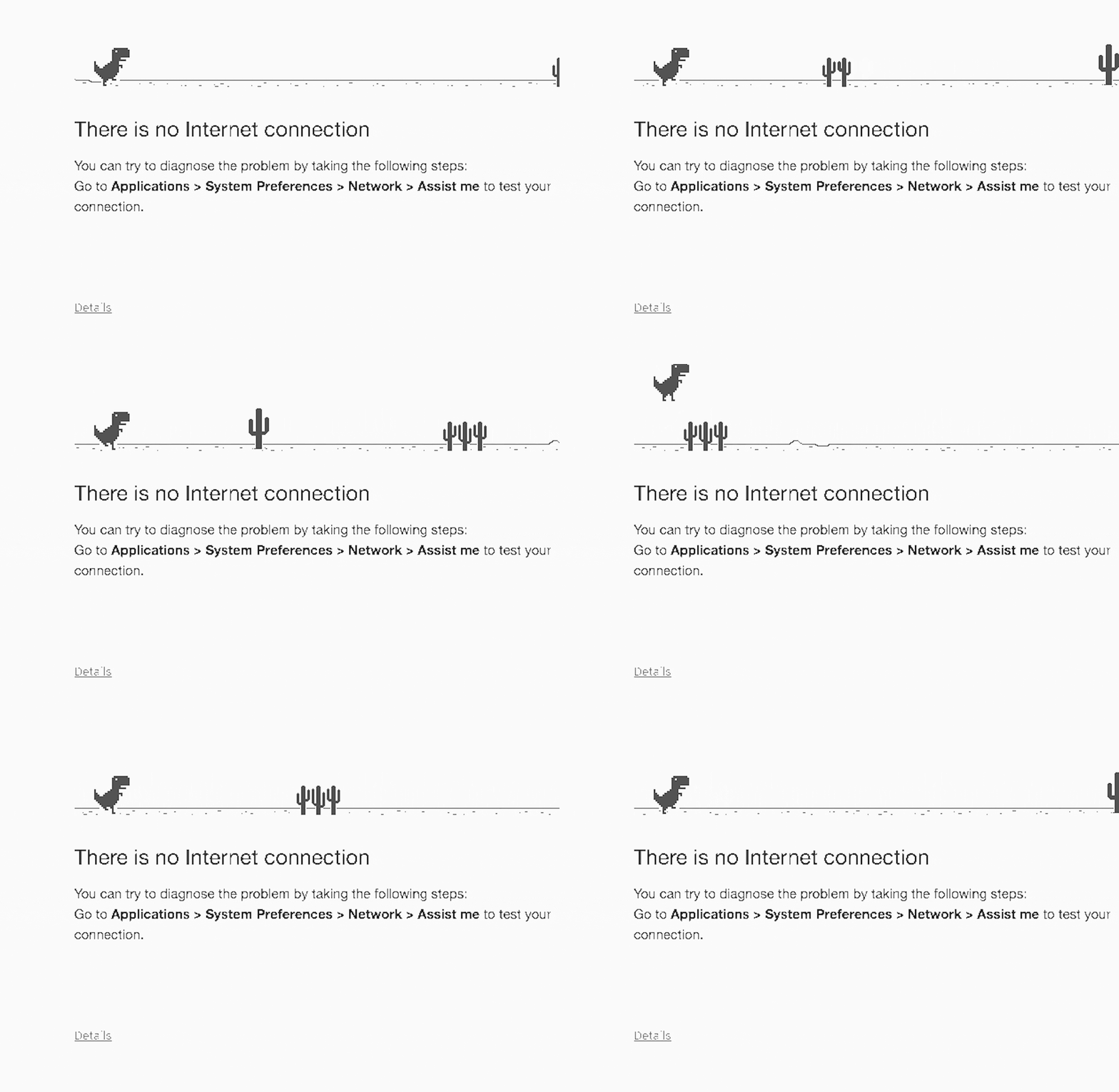
You’ve probably already seen the dinosaur of despair when your internet connection disappears. Hit the space bar and play a fun little platform game with the scampering prehistoric creature. It’s the most fun you can have—not on the internet.
Search: Bletchley Park
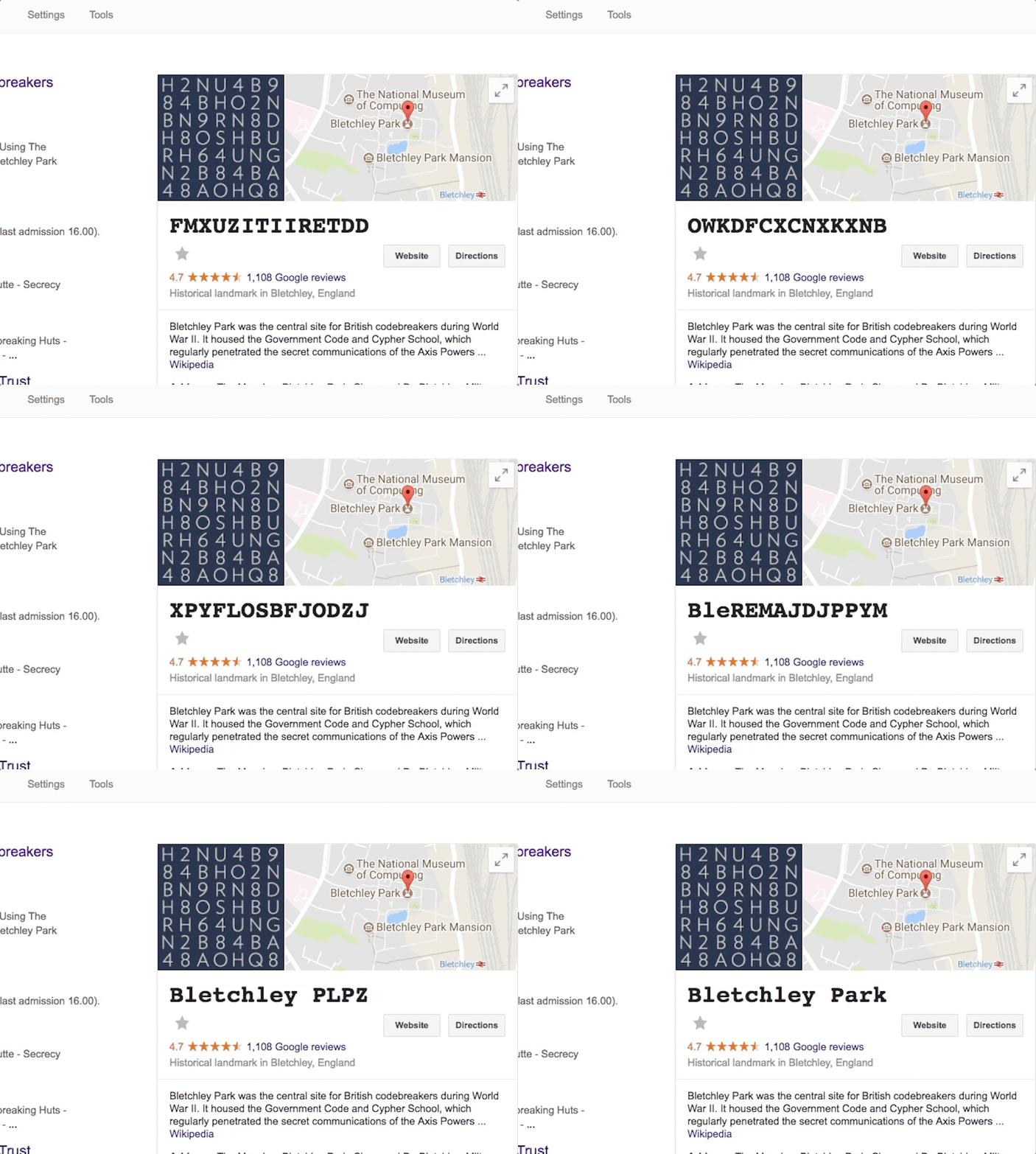
If you search for Bletchley Park, the knowledge graph reveals a live deciphering of the site of the British codebreaker. There’s no confirmation from Google that one of those combinations says, “Bing is rubbish.”
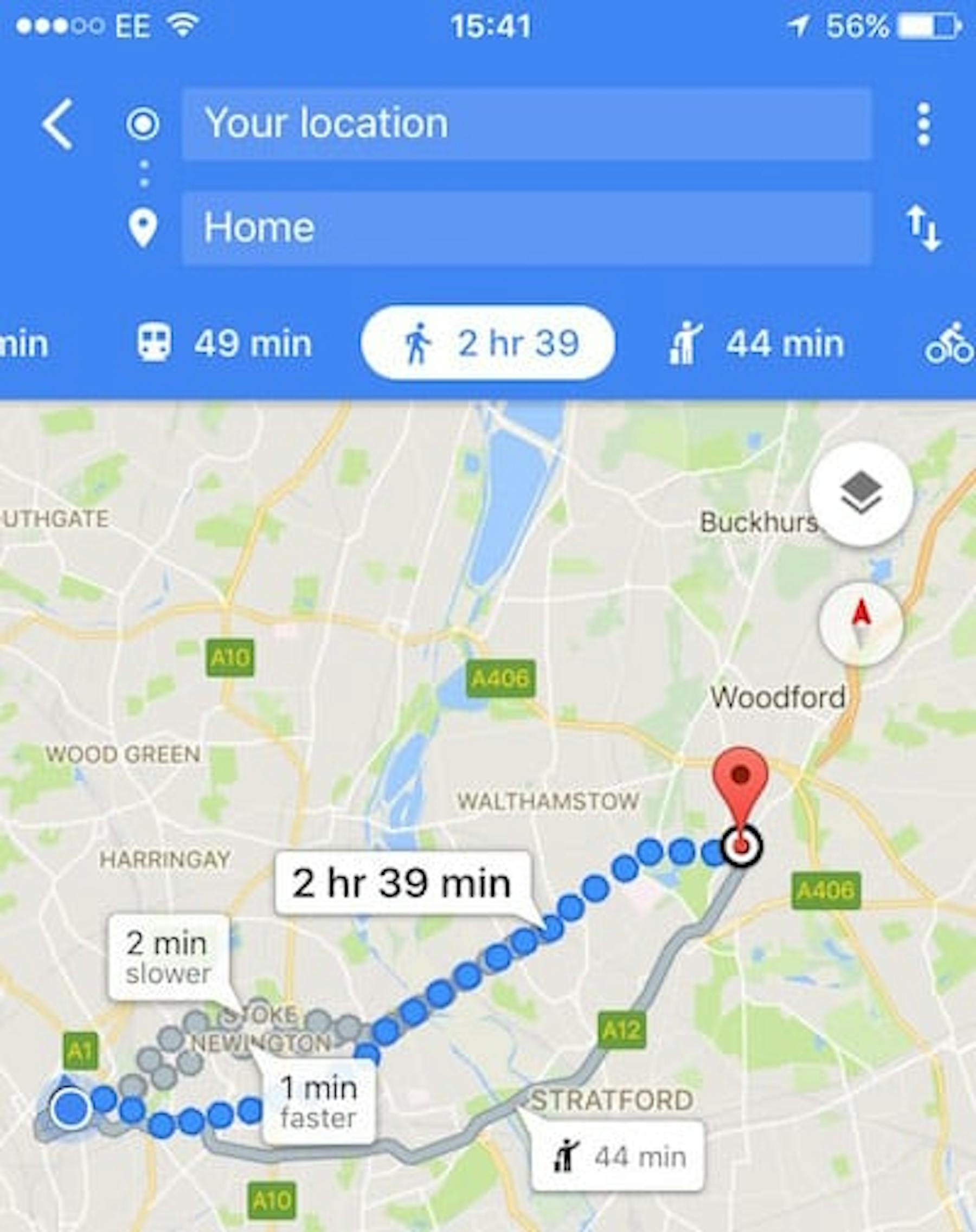
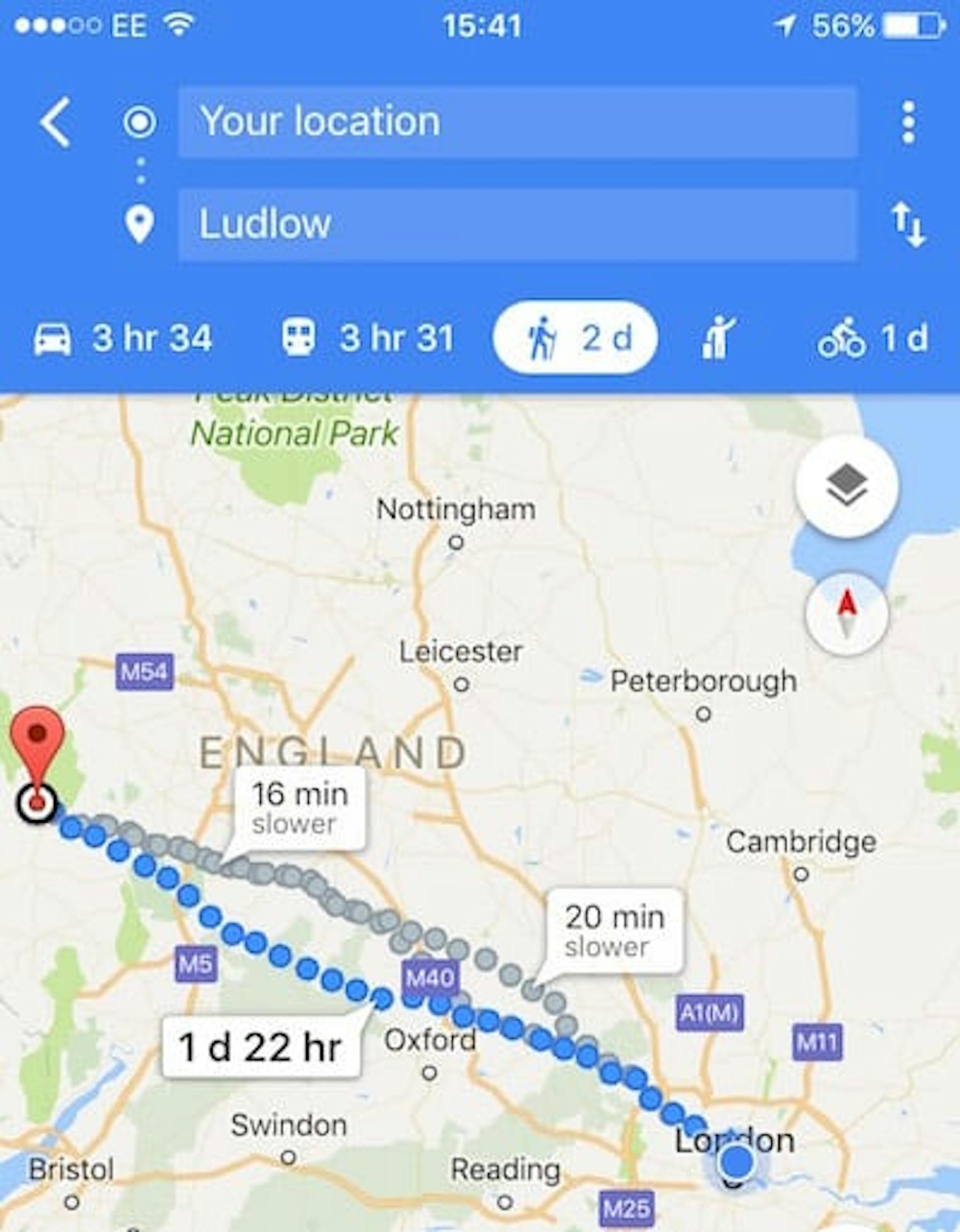
Maps: Walking distance
If the distance to your destination increases to more than a few hours, the little walker person turns into a hiker with an added backpack.
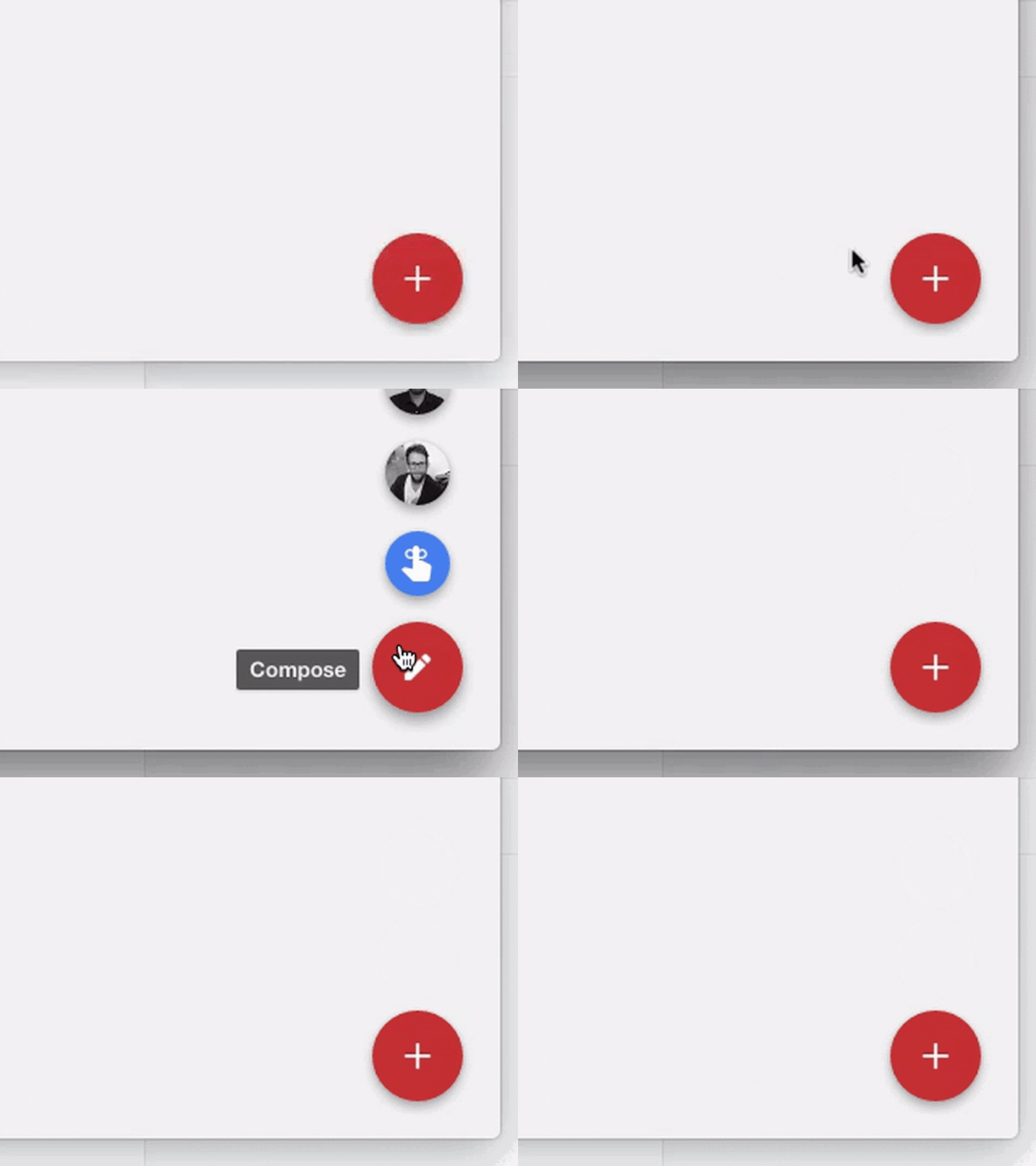
Inbox: Compose
Courtesy of William Joseph, who says the spin on the compose button makes him send emails “just to see it dance.”
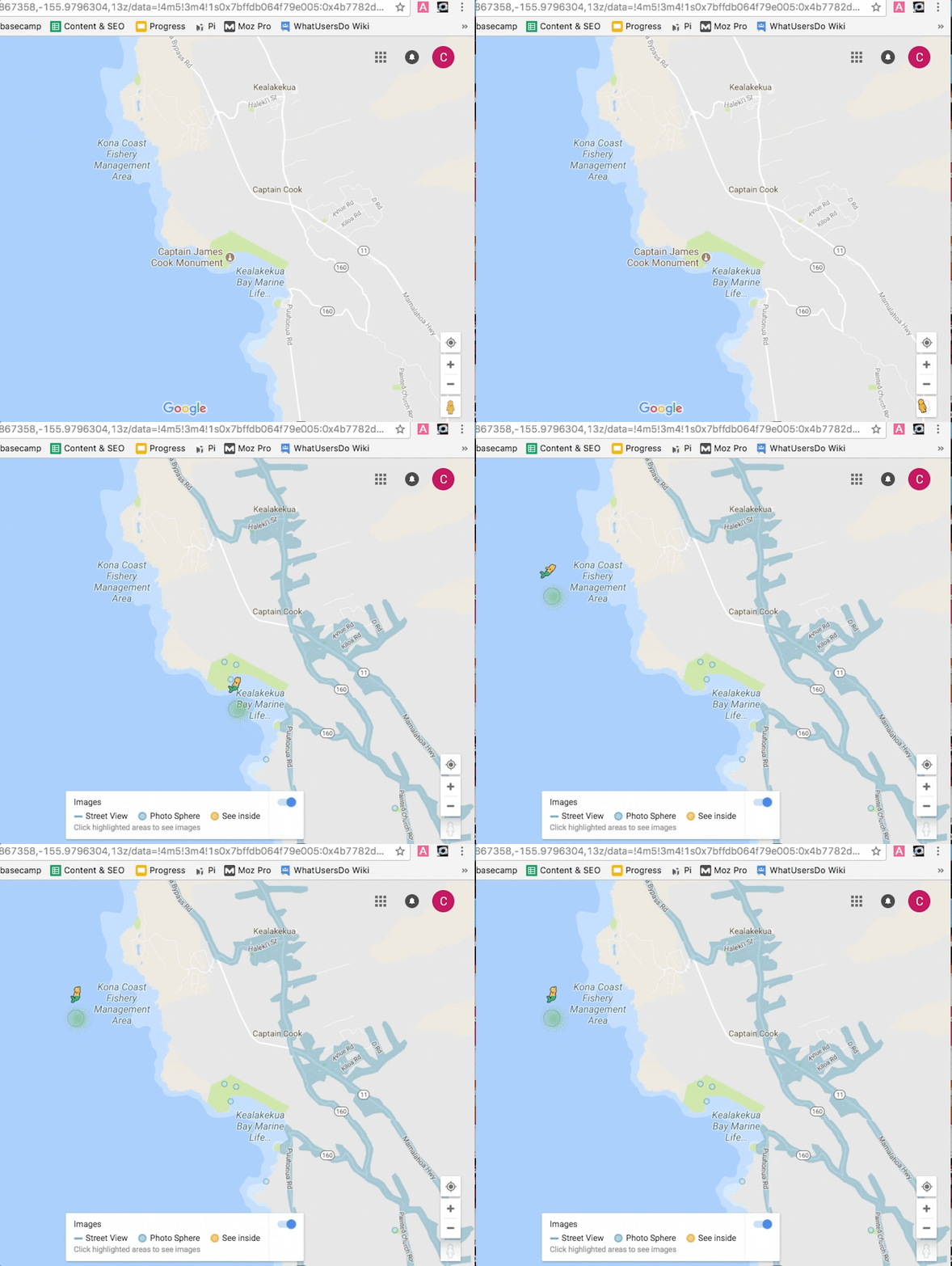
Maps: Hawaii mermaid
If you’re looking up Hawaii and you grab the little street view character to plop down on the map, they turn into a mermaid.
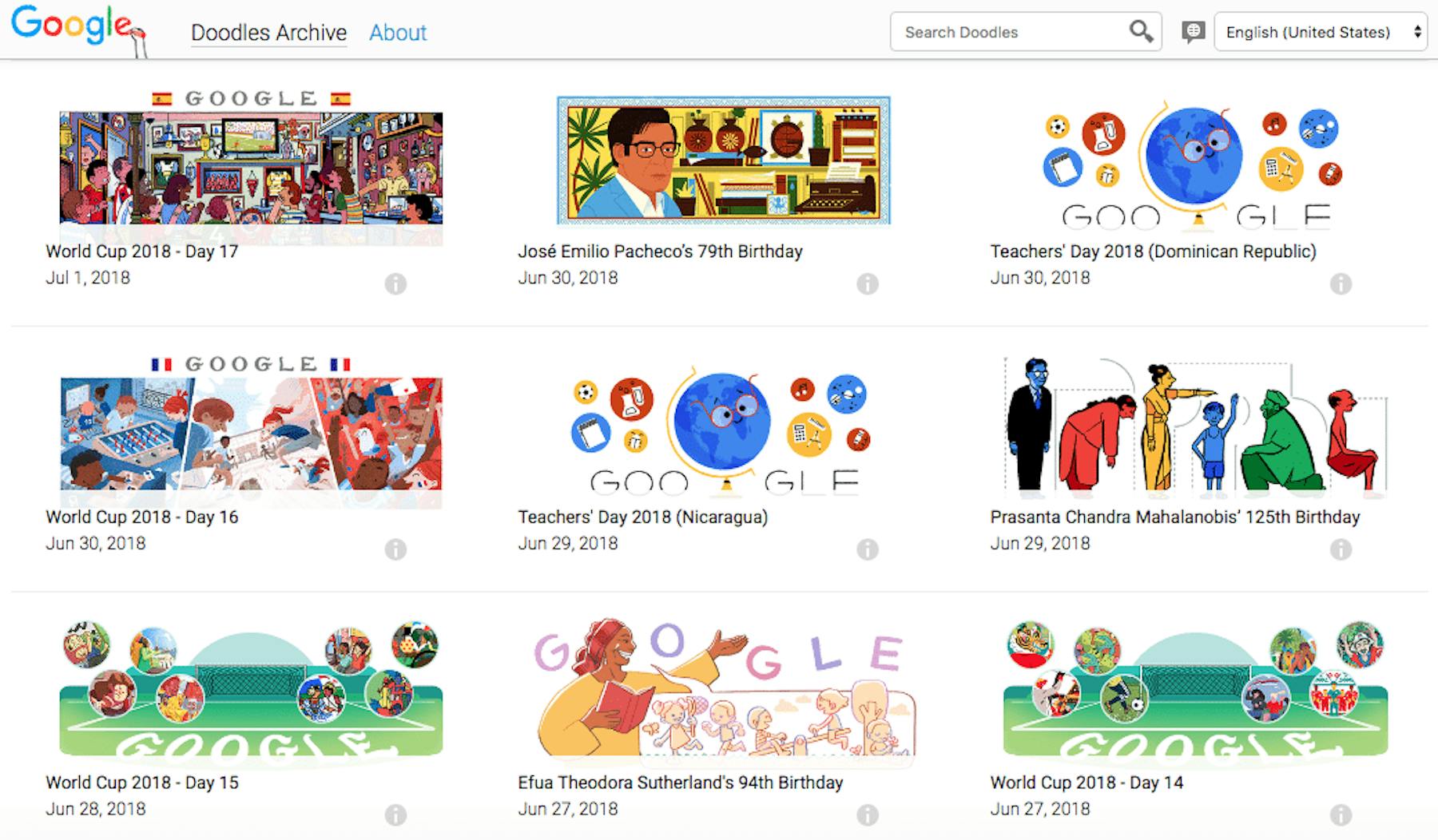
Search: I feel lucky
If you just click on the "I’m feeling lucky" button without typing a search term, it takes you to the Google Doodle archive.
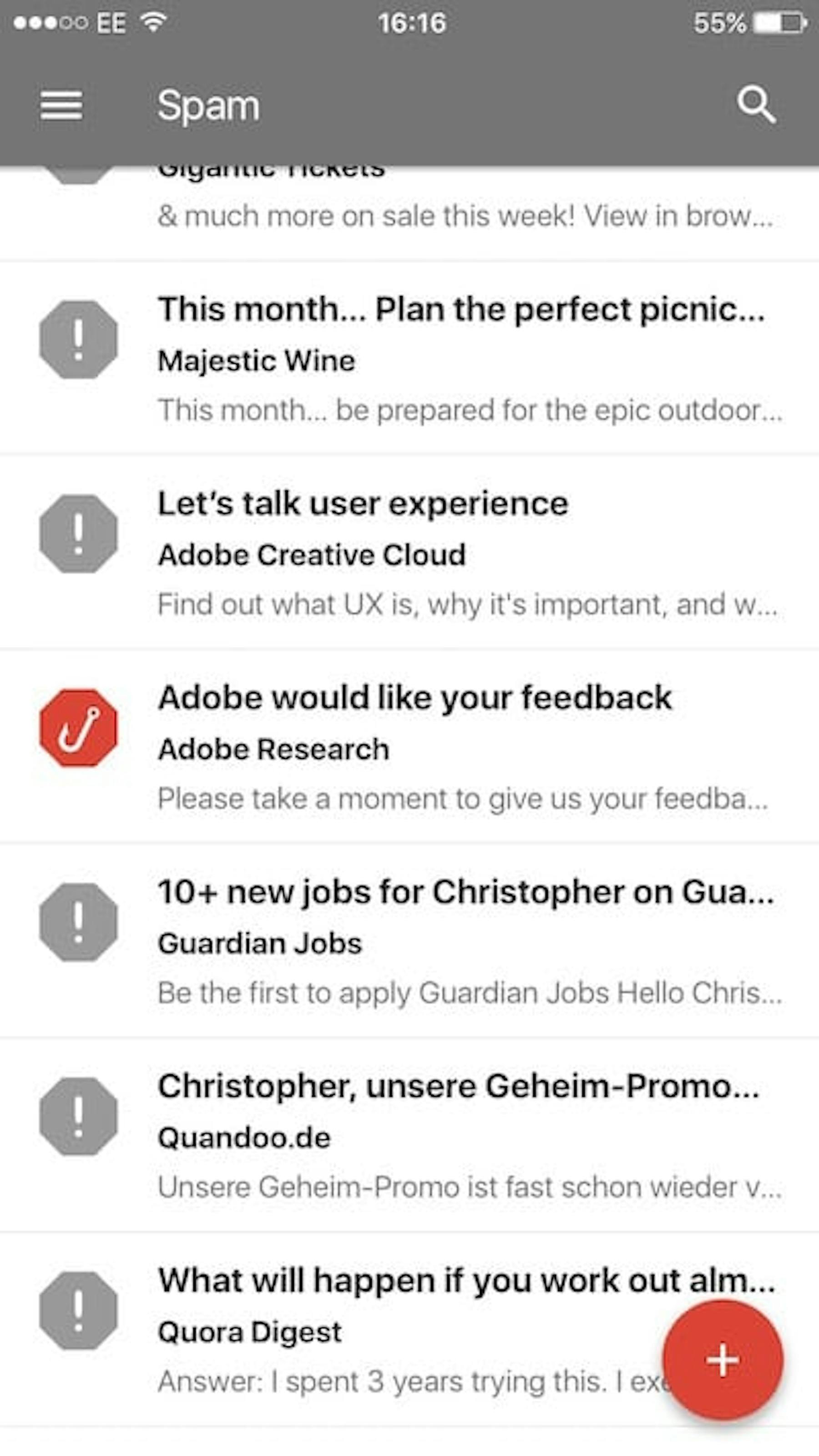
Inbox: Phishing
The Gmail Inbox app has a quick way of helping you identify phishing scam emails, by changing the icon to a fish hook. Nice try "Adobe"! If that’s even your real name.
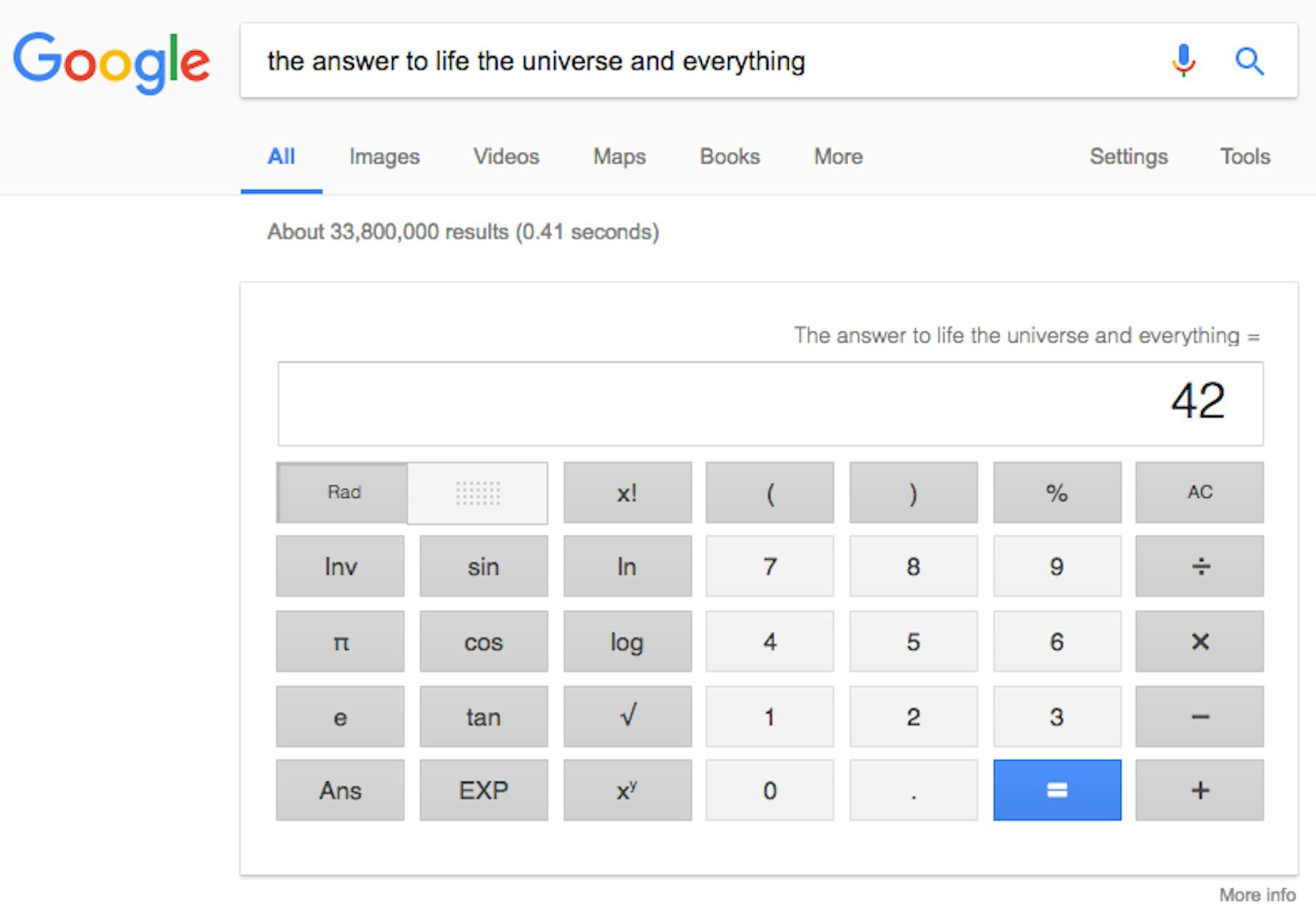
Search: The answer to life, the universe, and everything
Search the answer to life, the universe, and everything, and you’ll be presented with the most accurate answer available, a neat reference to the Hitchhiker’s Guide to the Universe, and, most importantly, a handy calculator.
Google Hangouts: Easter eggs
When chatting via Google Hangout, you can confuse and astound the person on the other end with a variety of weird easter eggs just by typing a few simple phrases prefixed with a backslash. A personal favorite: /ponystream

You can also try /pitchforks, /shydino, or /bikeshed.
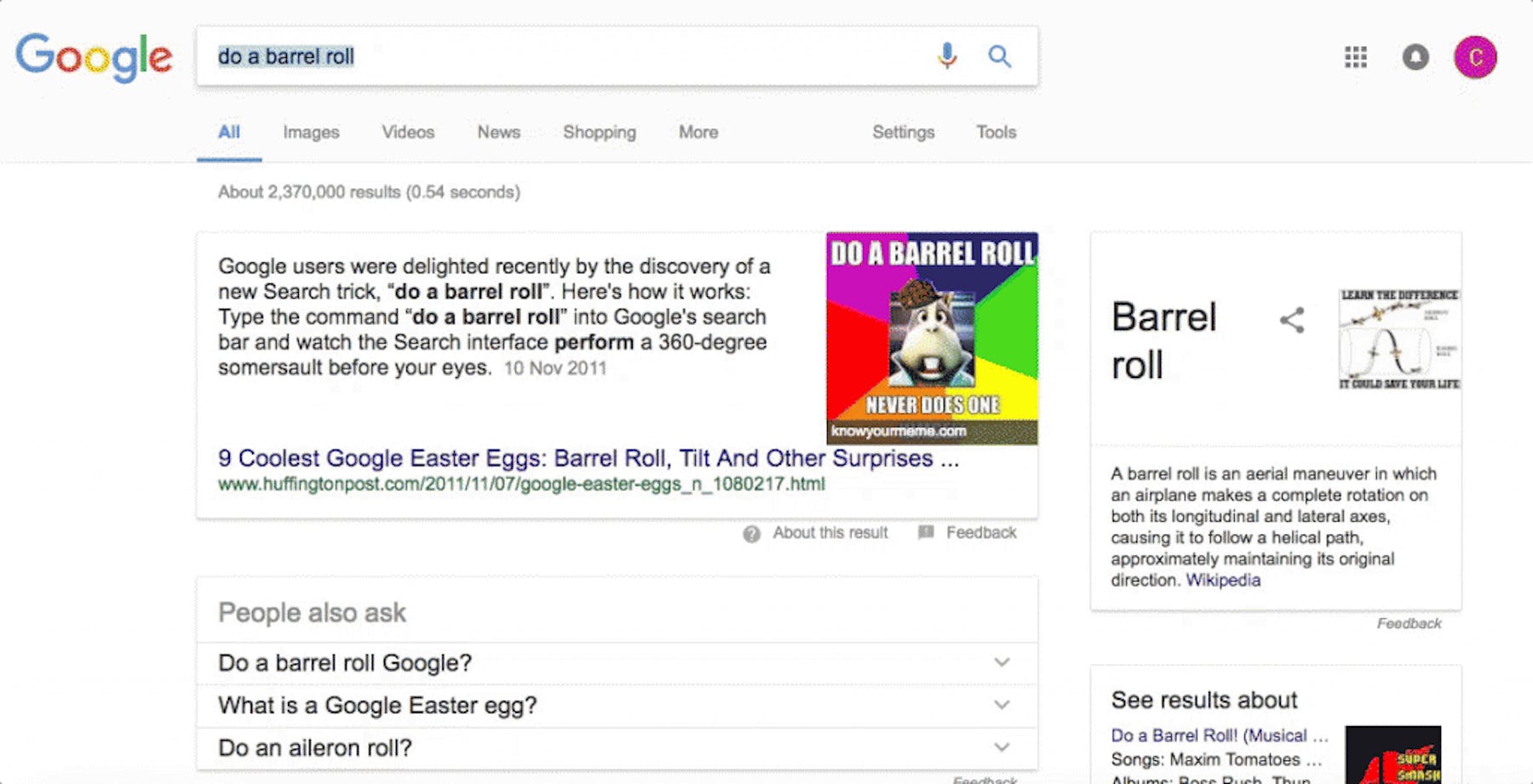
Search: Do a barrel roll
Searching for do a barrel roll leads to Google doing exactly that.
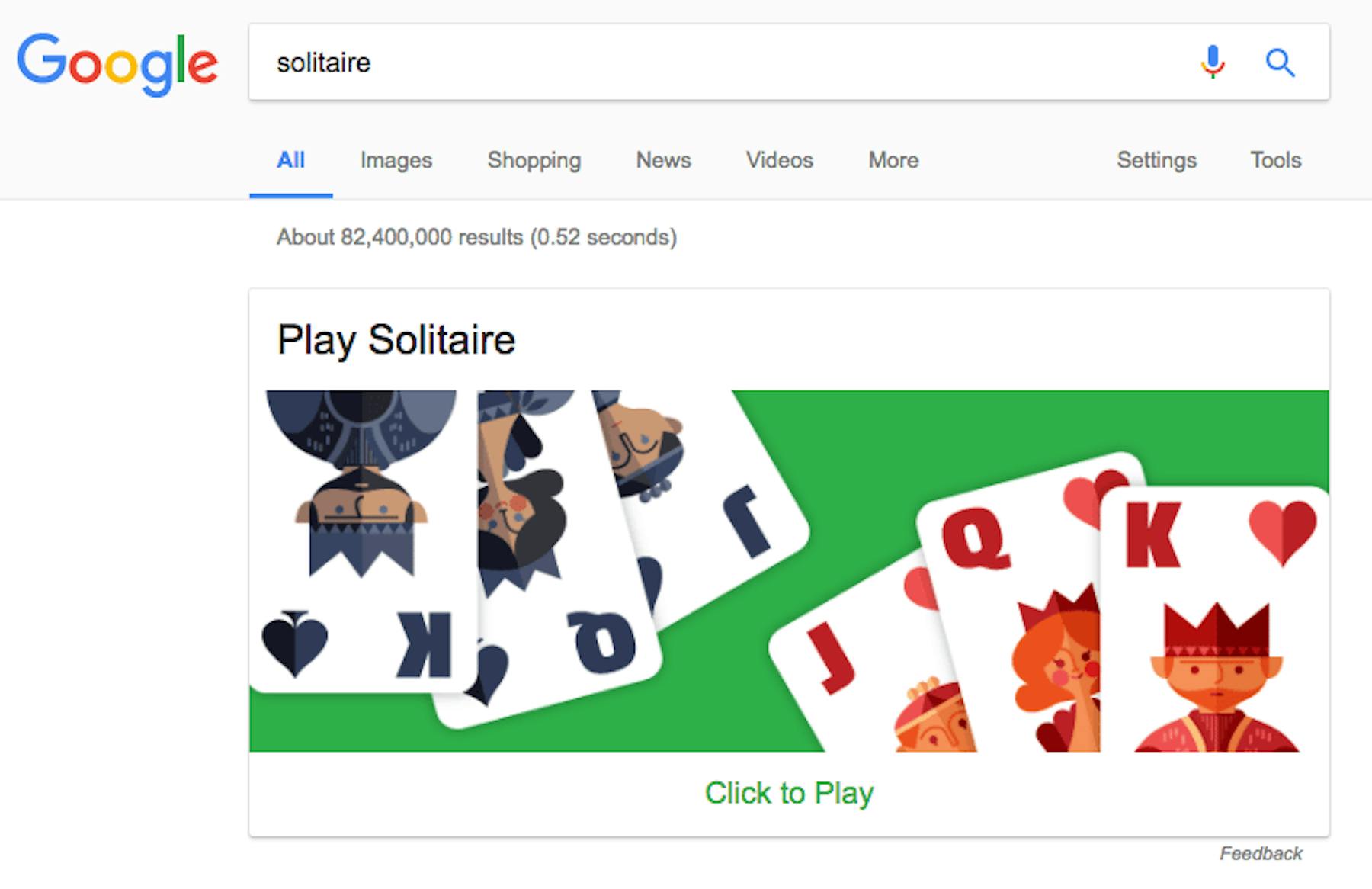
Search: Solitaire
Play a round of solitaire on the house. The first one’s free, the rest will have untold costs to your existing workload.
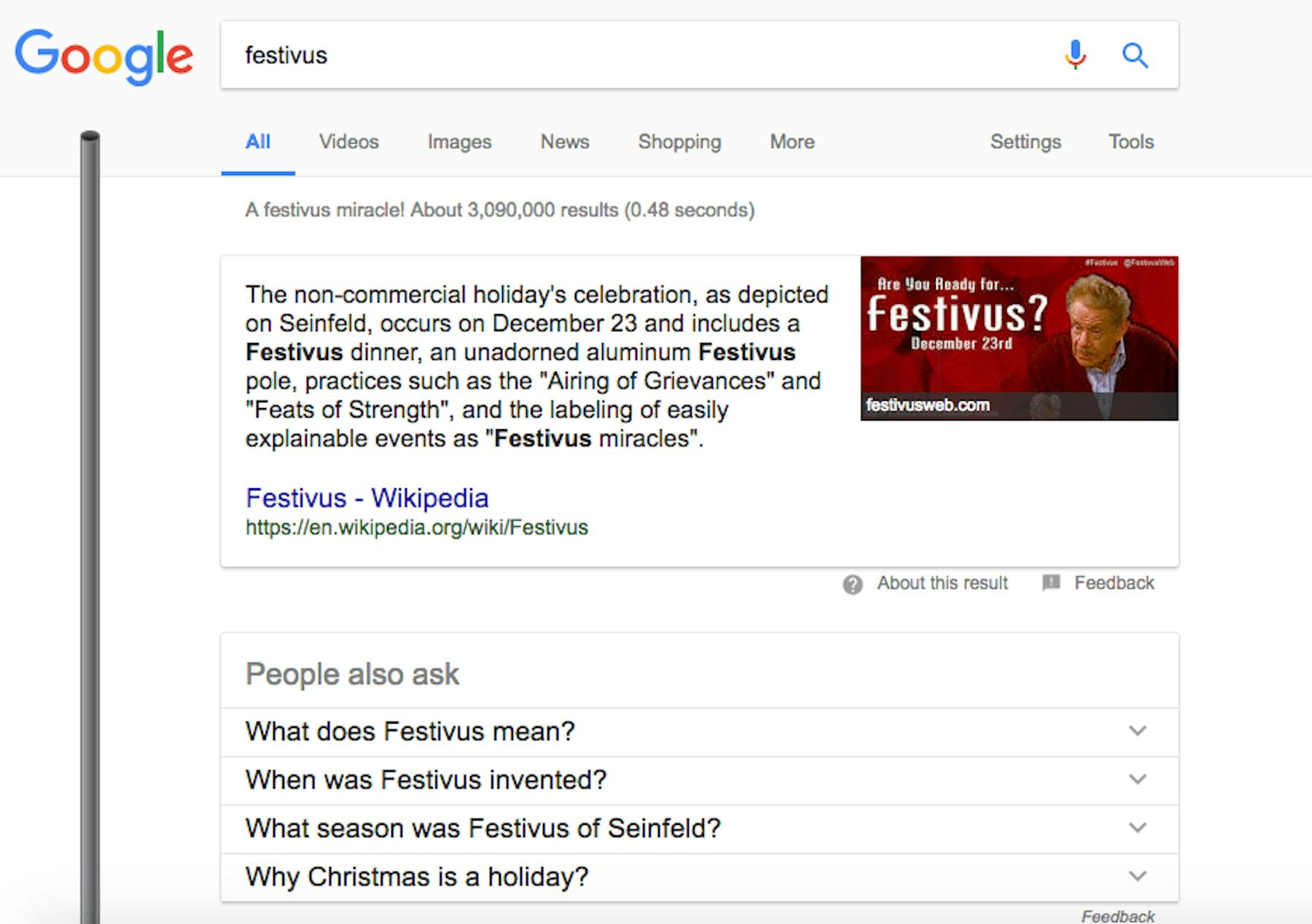
Search: Festivus
For all your secular, non-commercial December celebration needs, search for Festivus and enjoy this unadorned, aluminium pole.
Gmail: Sign up
If you use too many full stops in your email address, Gmail will warmly correct you.
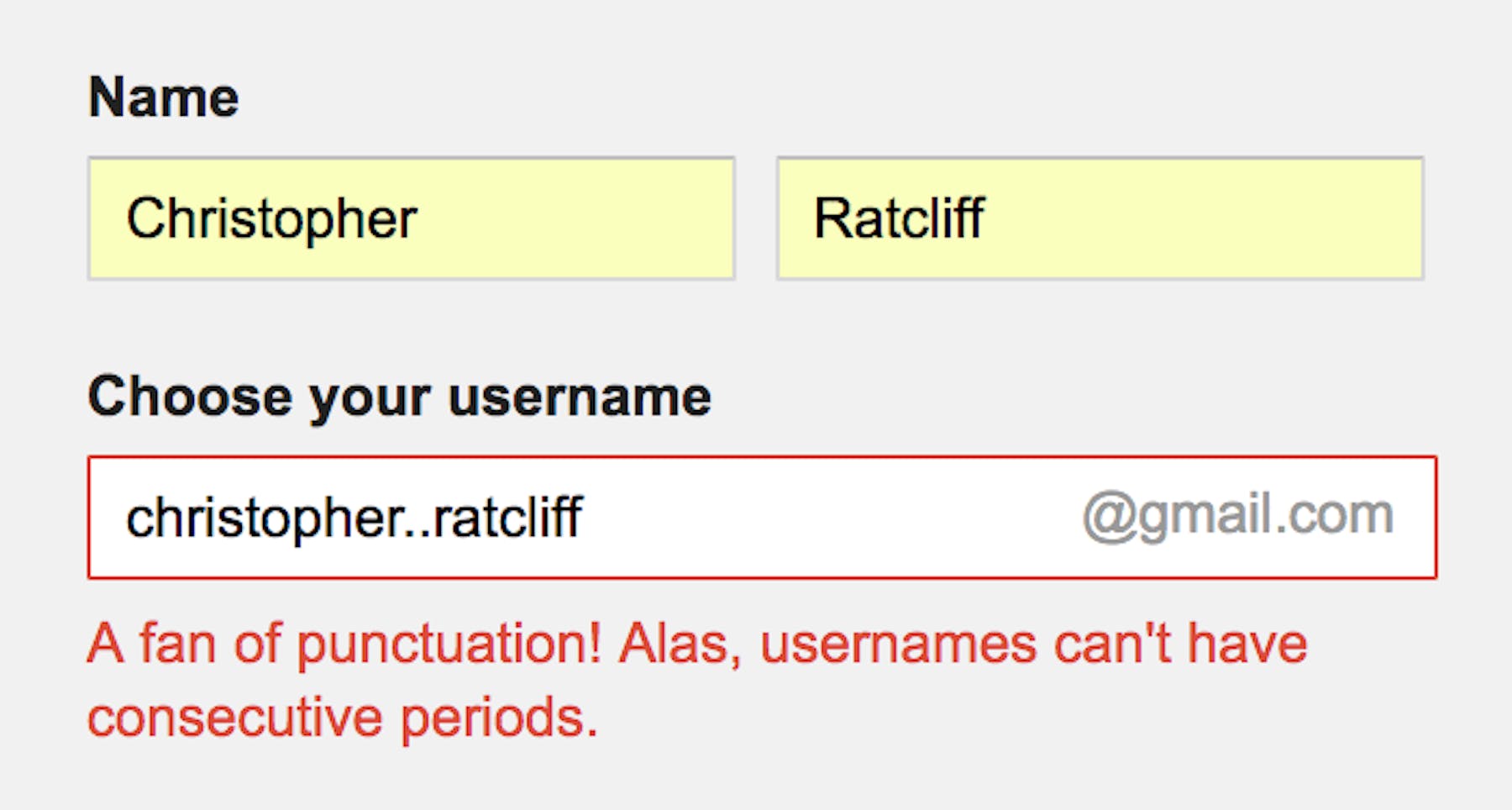
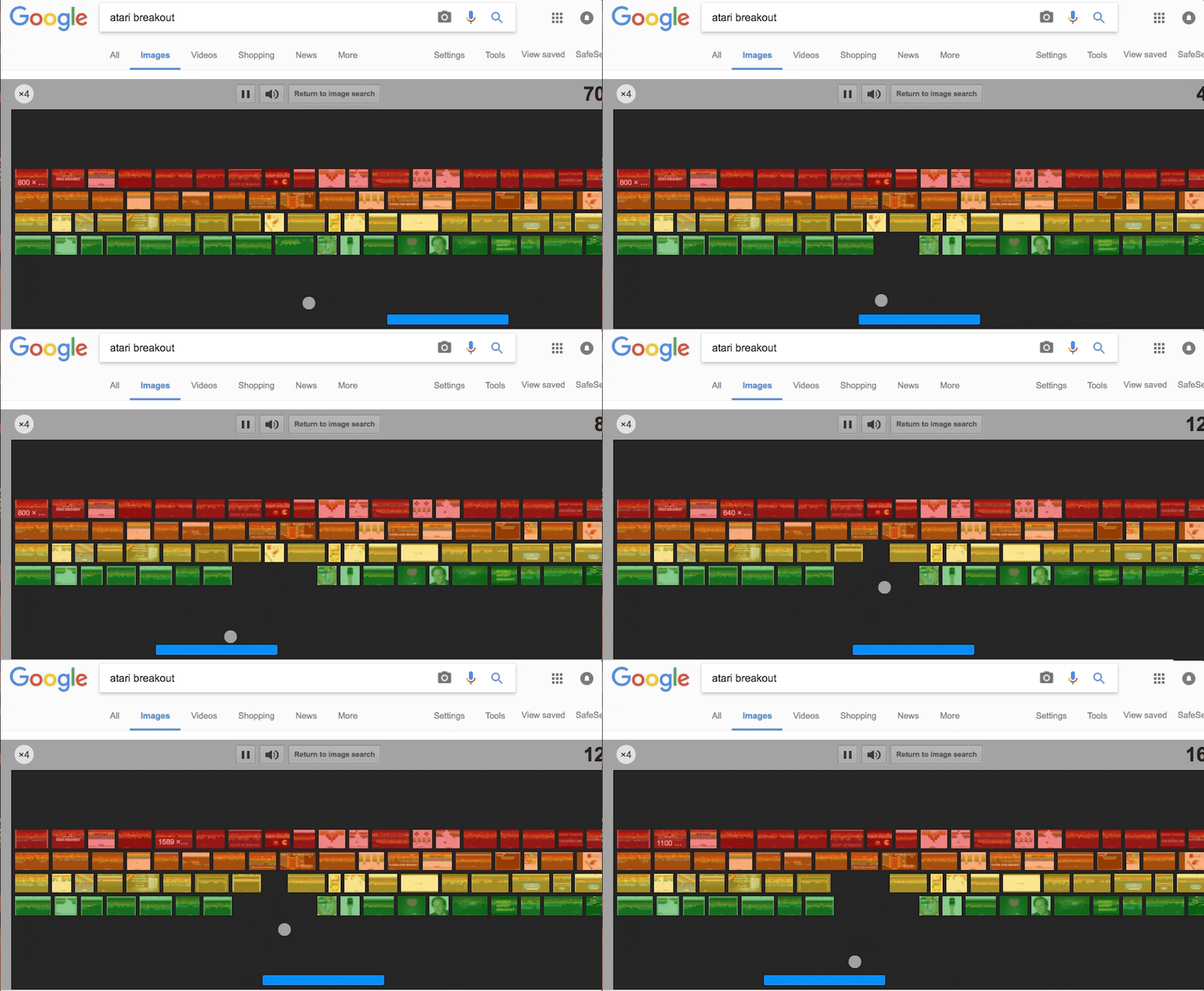
Image search: Atari breakout
Ever get the feeling Google doesn't want you to ever leave its search pages?